Requests land themselves
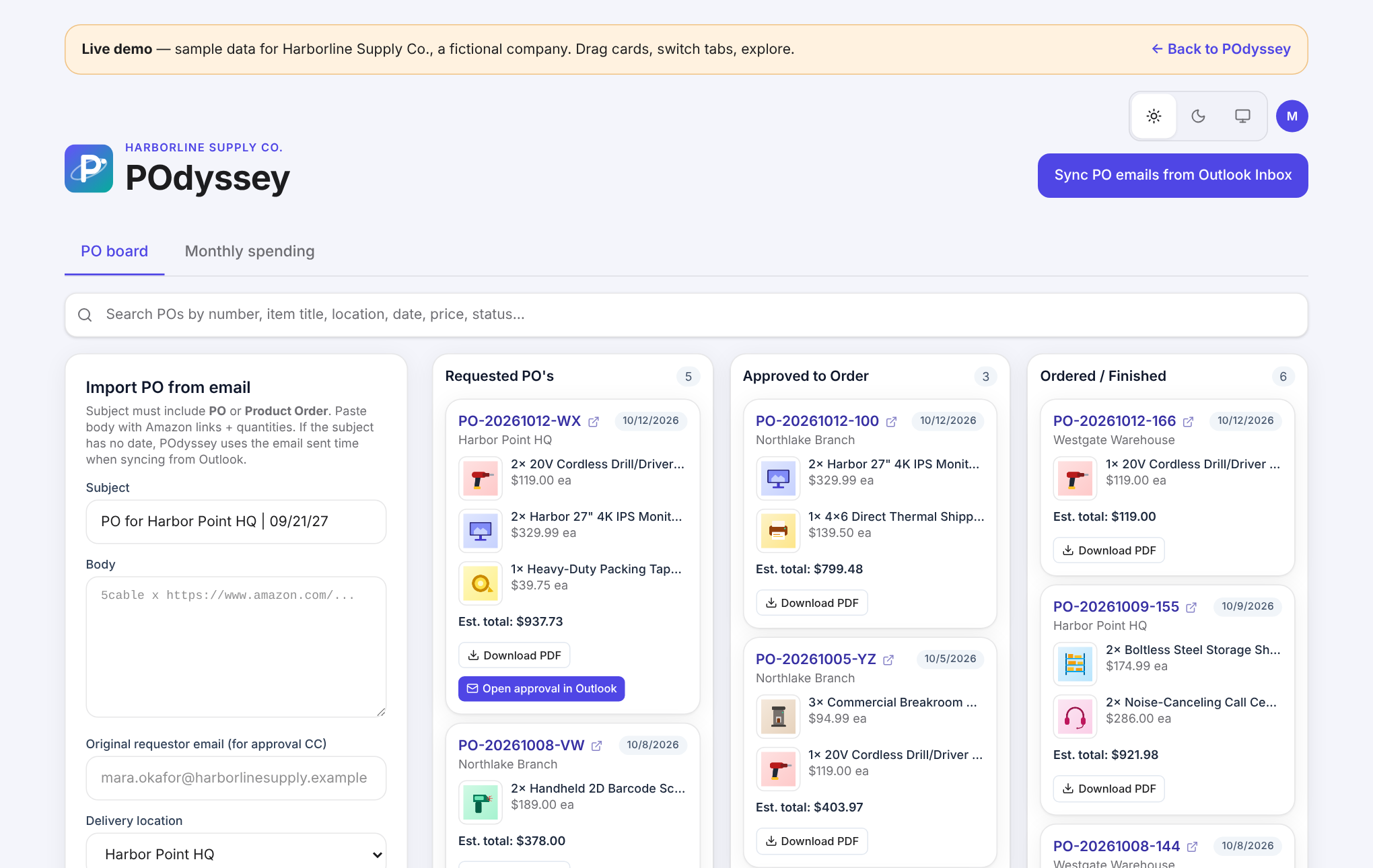
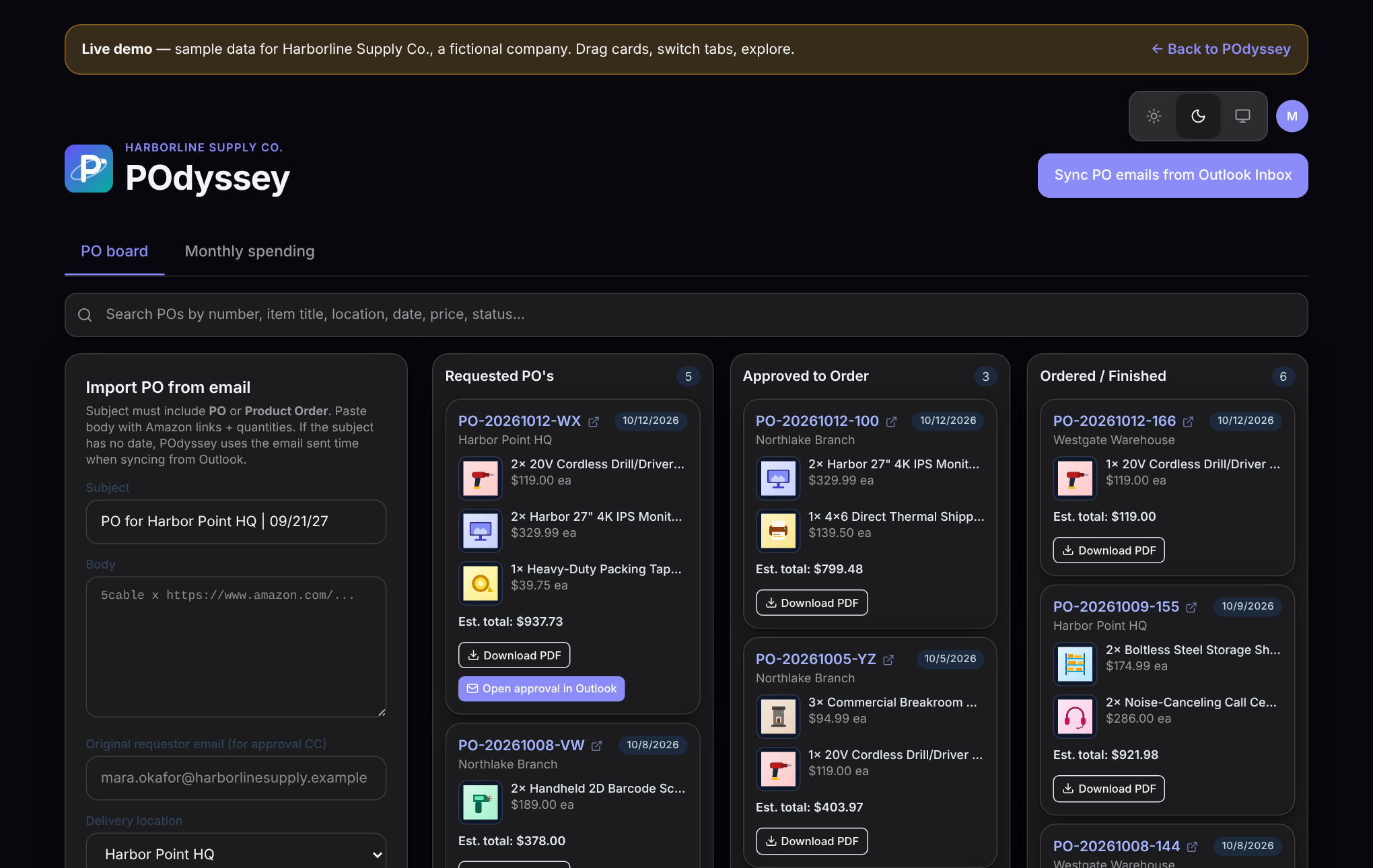
POs arrive from your team's Outlook inbox — subject, location, links and quantities parsed automatically. No re-typing.
Purchase order management for growing teams
Purchase order intake, one-click executive approval, and spend reporting — in one calm workspace. Requests in, approvals out, spend under control — without the spreadsheet.
The demo uses sample data for Harborline Supply Co., a fictional company.
72
purchase orders tracked
$30,800.41
in managed spend
10.4 hrs
average time to approval
3
locations, one board
Sample figures from Harborline Supply Co., a fictional demo company.
How it works
A manager emails a PO request. It appears on the board in Requested.
One tap sends it to the CEO. The moment they approve, the card moves.
Purchasing places the order, drags it to Ordered, and it rolls into monthly spend.
Features
POs arrive from your team's Outlook inbox — subject, location, links and quantities parsed automatically. No re-typing.
Your approver gets a clean email with the PDF attached. Approve with one click or just reply APPROVED.
Titles, photos and prices are pulled from the product link, so every line item looks like a real order, not a URL.
A branded purchase request form for every PO — line items, totals, signature lines — ready to file or forward.
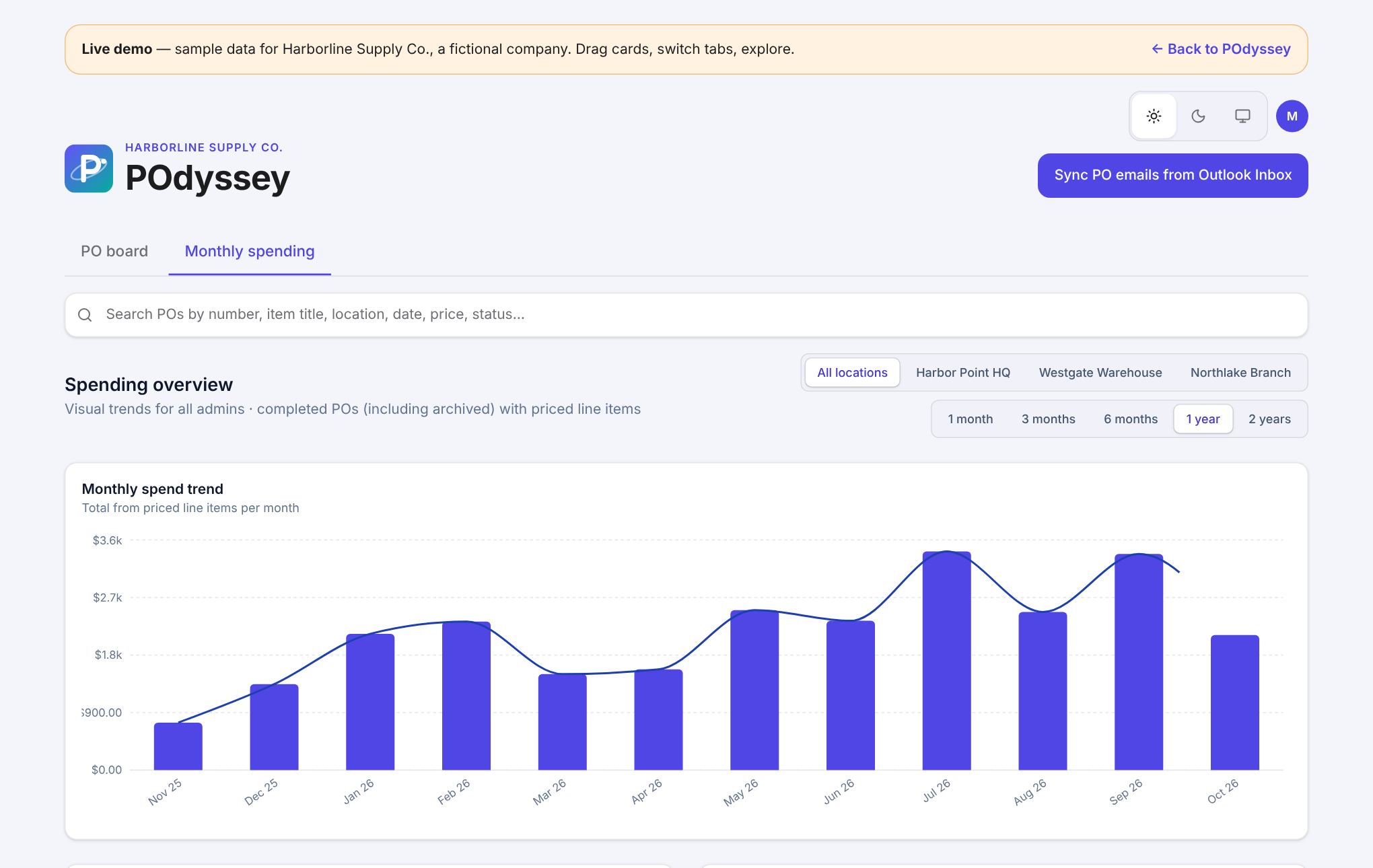
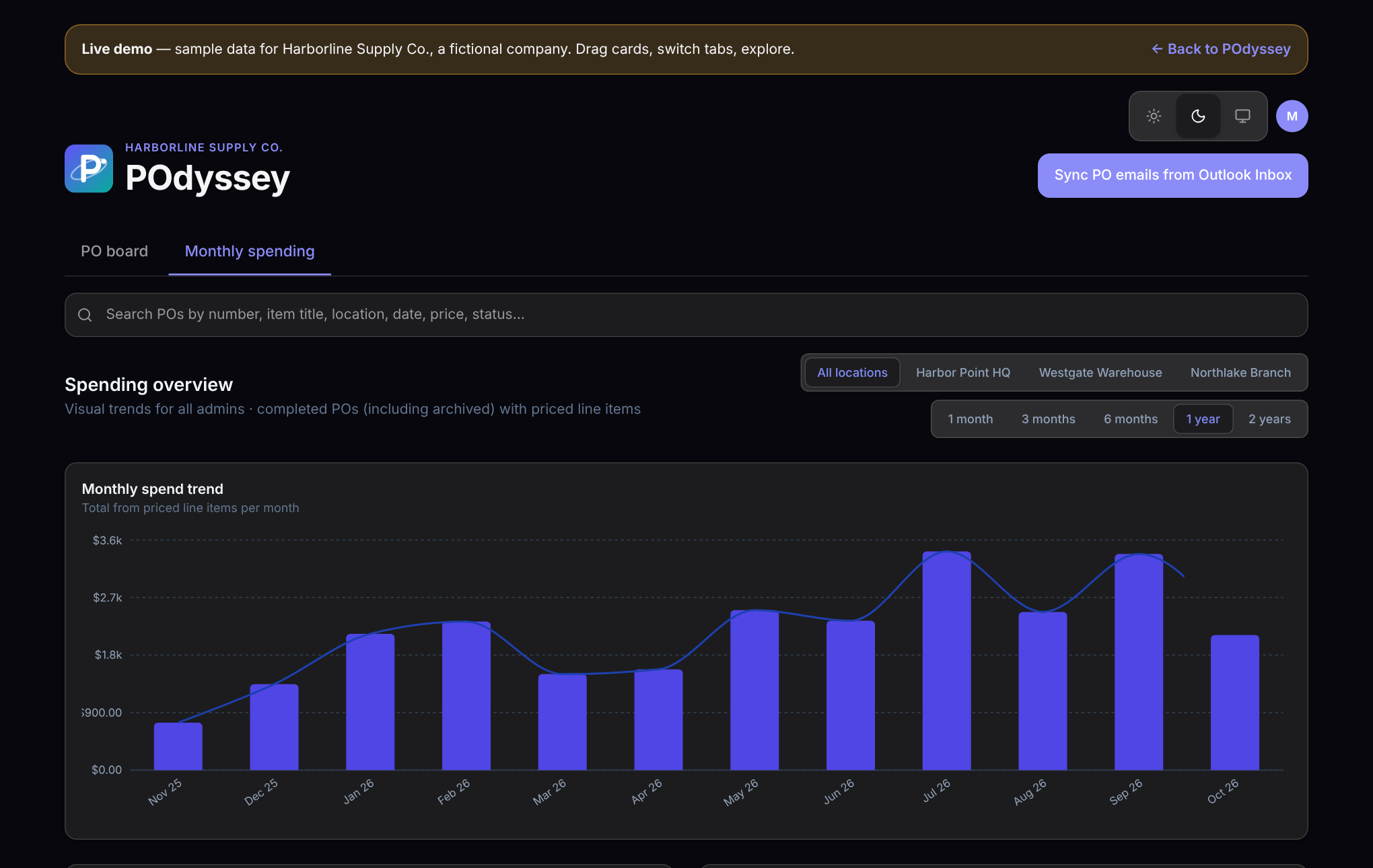
Monthly charts by location, a full history of every order, and an automatic expense report sent on the day you choose.
A Head Admin controls who can view, edit, approve and sync. New hires get access in seconds; leavers lose it instantly.
Product tour
Filter by location and time range, see exactly where money went, and open any order straight from the table. The monthly expense report sends itself.
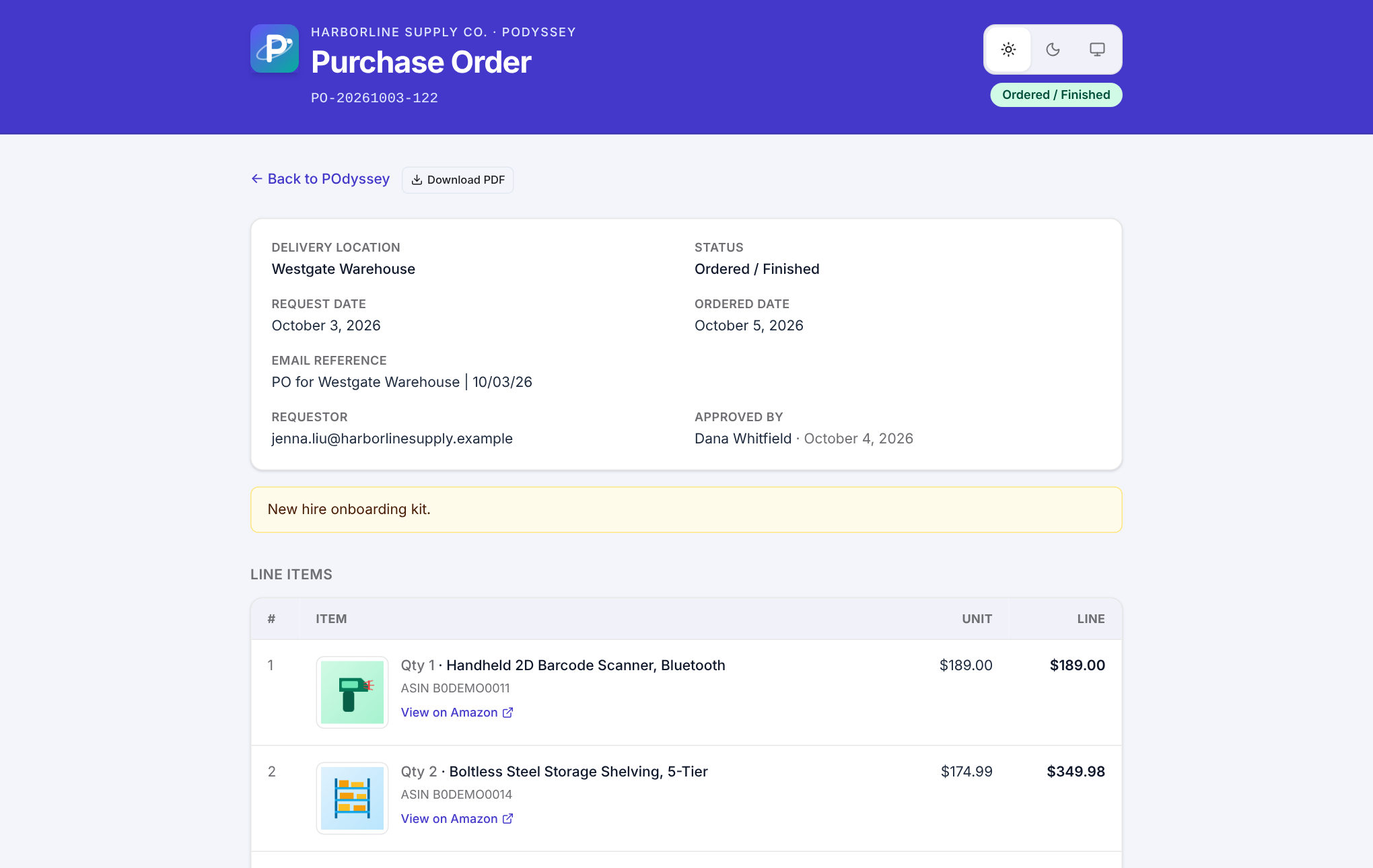
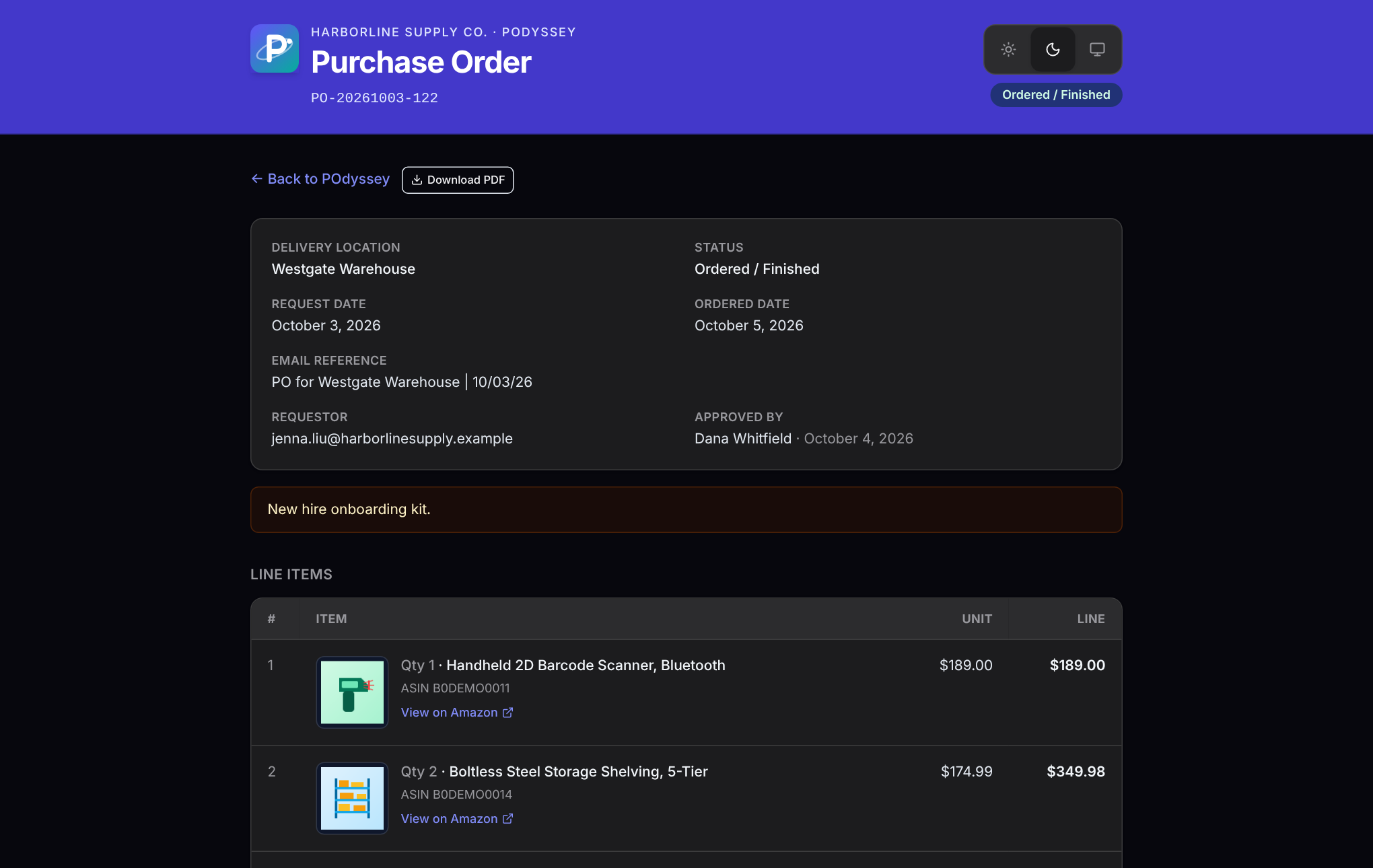
Line items with photos and pricing, requester, location, notes and approval history — printable, shareable, and one click from the approval PDF.
Security & compliance
You buy the software and the setup service; your own IT or administration runs it, holds every key and credential, and controls all access to your data. Allowlisted sign-in, role-based permissions, server-side checks on every action, and a complete record of who requested, approved and ordered what. A full policy library — privacy, acceptable use, records retention, incident response — ships with every workspace.
Consultation
Tell us a little about your purchasing workflow and we’ll walk you through POdyssey and how it would fit — no obligation. Or email us directly at Podyssey@odysseydevelopments.dev.
Try the live demo, then make it yours — your name, your locations, your approvers.